
Free Online Family Trip Planner and Family Vacation Itinerary Builder
Bring family together, with a trip that feels special, not stressful
Pilot helps you line up dates, plans, and bookings in one simple shared itinerary.


As Featured In











The travel planning and booking app for family trips
After 10min, 60% of people say they’d be "very disappointed" to go back to their old way.


Used by 50,000+ families in 183 countries
"So far Pilot has been super easy and extremely helpful. I’ve been using it to put all our ideas and plans into a simple and legible format to share with fellow family travelers who are multiple timezones away."
- Mandy M. 36-44, United States



Multi-Generational Trips

European Family Vacations

Disney Trips

All-Inclusive Family Holidays

Family Road Trips
Easily make a shared plan, gather input, and get everyone on the same page

Discover fun for the whole family
Use destination pages and popular attractions to spot the best family-friendly hits fast, so you start with safe winners.
Use the AI itinerary generator with prompts and 60+ filters to match ages, energy levels, budget, and indoor vs. outdoor.
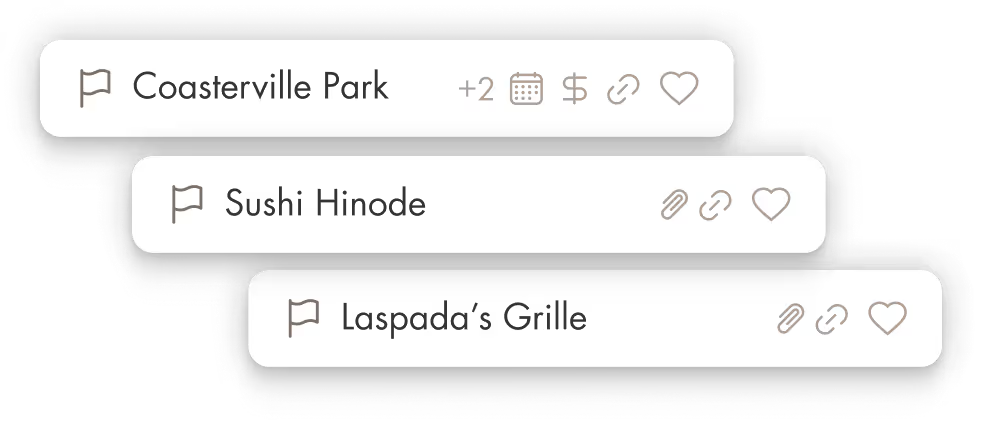
Save your favorites to a shared saved list with hours, links, and phone numbers, so the whole family can see the same options.







Coordinate everything
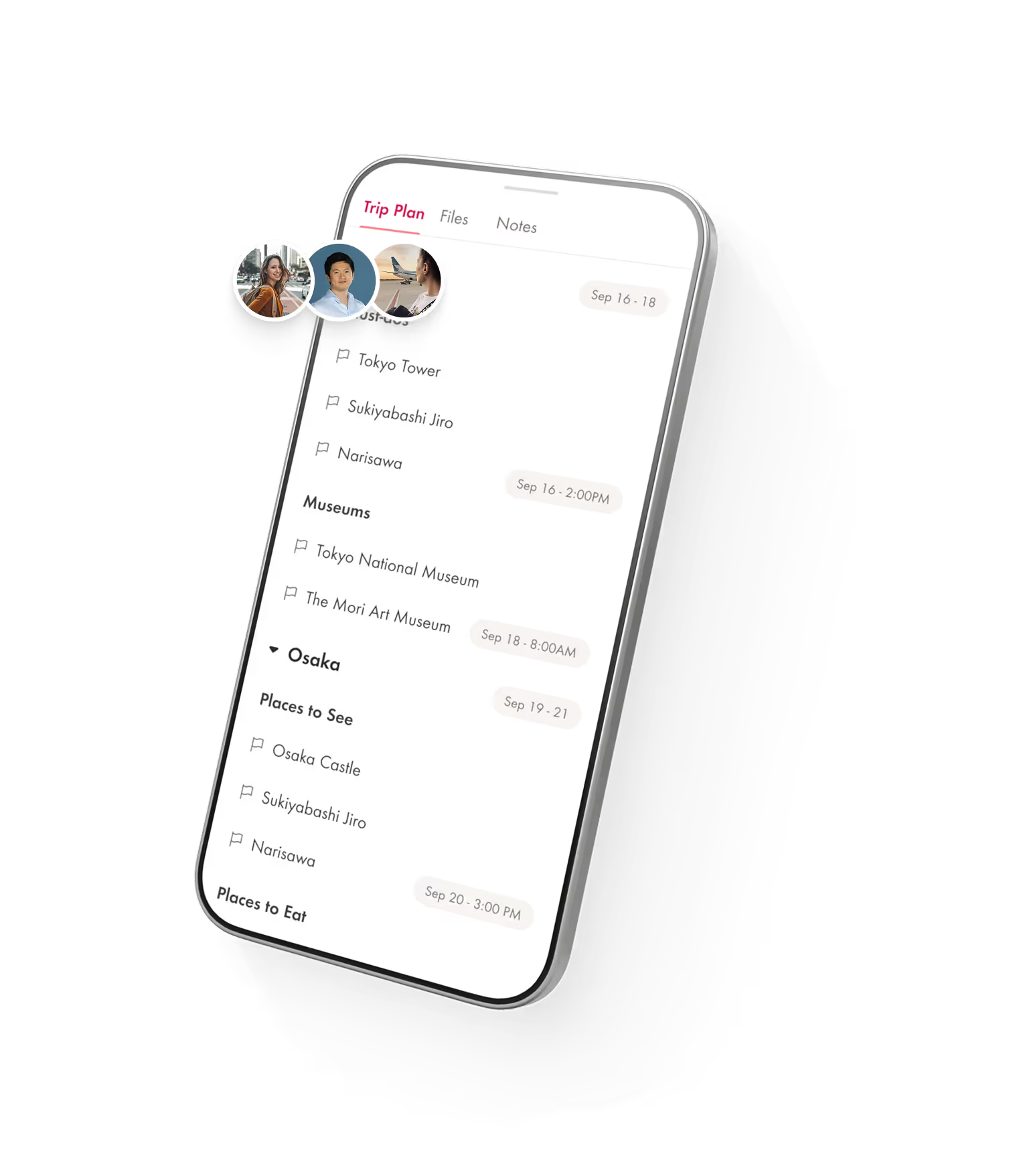
Put the whole plan in one shared trip structured anyway you like, so dates, addresses, and what’s next are always clear.
Use shared notes for the details that usually get repeated, like who’s driving, where you’re meeting, parking tips, and any “must remember” info.
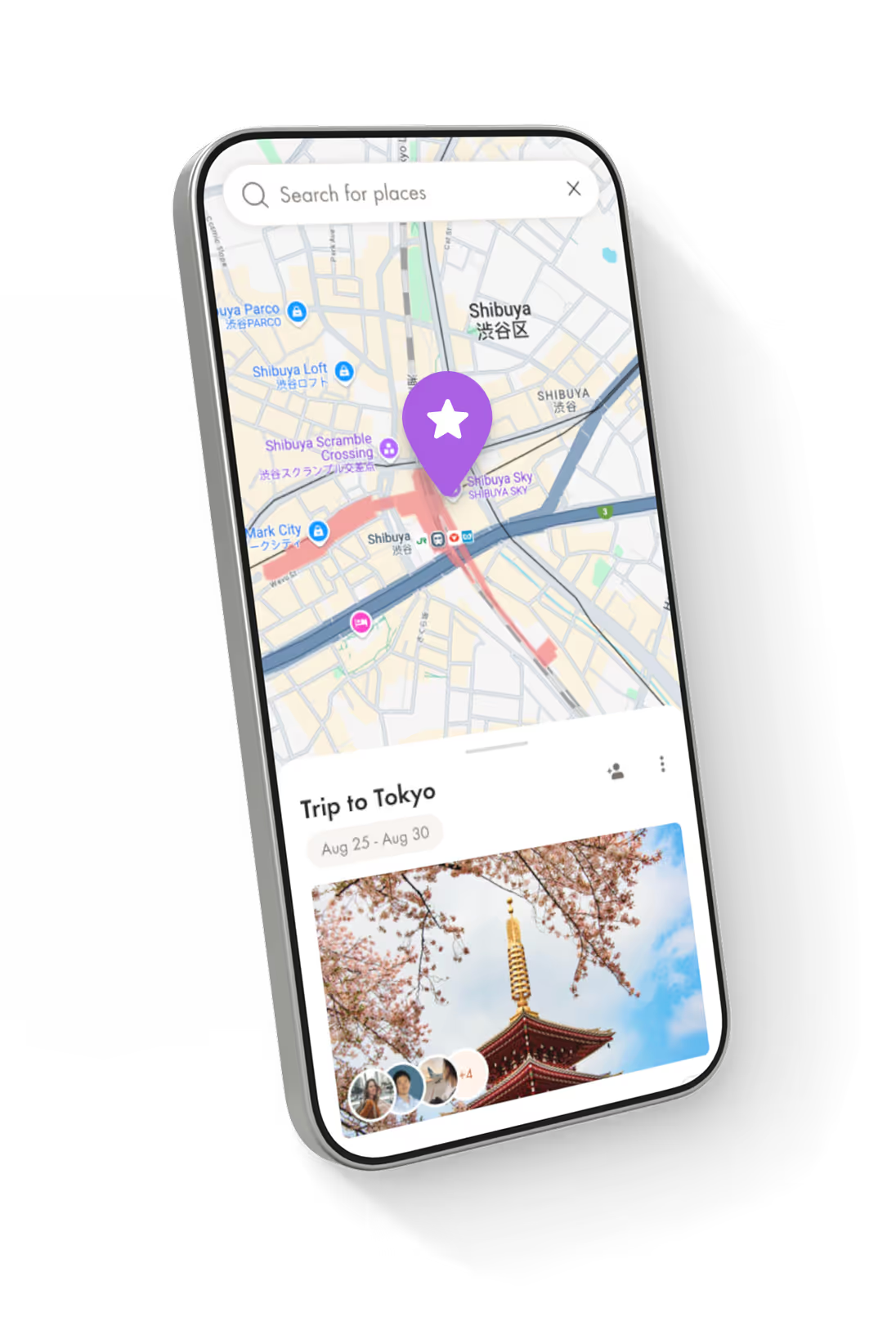
Use the map to keep stops close, so it’s easy to stay on track when someone asks “where are we going now?”







Easily book and share the plan
Search family-friendly stays, compare rooms and prices, and book in the app with instant confirmation and member-only rates not shown on public sites
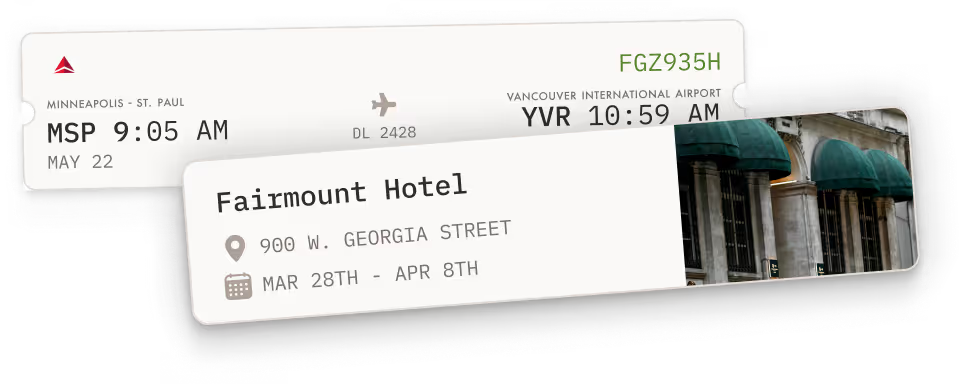
Import confirmations and files so check-in details, addresses, and receipts stay saved and shared with the trip.
Export a clean PDF and keep it offline-ready, so the plan is easy to pull up anywhere.






The perks of using Pilot
Your

to inspired adventures
Save big, plan smarter, and become the one everyone wants to travel with.
Pay what you want
Even nothing, with optional premium add-ons and services.
Save on +3.2mil hotels
Direct bookings partnerships so you avoid fees and book with illustrious rates reserved for travel agents.
Offline access
Export trips in impressive Futura font. Plus low battery drain for when away from wifi or power.
Luxuriously easy
Without hidden fees or pressure to book. Like Notion for travel. Start a trip plan in just 5 minutes.
Actually good support
It might feel like flirting, but it's actually real humans who stick with you plus quick AI answers. No call centers.



Frequently Asked Questions
What is the best app for organizing a family trip itinerary?
Pilot is the best way to keep a family trip calm because it puts the itinerary, map, notes, and trip files in one shared place. It is built for real planning, not just pins, so your family can follow one clear plan instead of bouncing between chats and screenshots.
Is Pilot a free family trip planner? How do you make money?
Yes, Pilot is free to use with no hidden fees. We fund it through optional add-ons and services.
How do I use a digital family trip planner step by step?
Create the trip, invite your family, then add your destinations and build the itinerary as you decide what each day looks like. Use Explore to find things to do, add the best options to the trip, and keep “maybes” in a shared saved list until you decide.
Can multiple family members collaborate on one itinerary and edit it in real time?
Yes, Pilot is built for shared planning, so multiple people can contribute to the same trip instead of sending updates back and forth, just click the refresh button to see results live. This is especially useful for parents, teens, and grandparents who each care about different parts of the plan.
Can I build an hour-by-hour schedule with activity details, booking confirmations, and notes?
Yes, you can create a detailed itinerary, then attach confirmations and tickets directly to the related activity, stay, or transport item. You can also keep family notes in the Notes tab and convert notes into checklists for routines like packing and morning prep.
Can Pilot create a custom family travel plan for us?
Yes, you can use our AI trip planning to generate a strong first draft, then edit it until it fits your family’s pace and priorities. You can also map your days, add activities, and refine the plan together once everyone weighs in.
How do I get kid-friendly activity suggestions for our destination?
Use Explore to search things to do in the cities on your trip, then use filters to narrow down what your family will actually enjoy. If you want something more tailored, you can also use AI prompts to generate ideas that match your family’s style, then save the best options into the trip.
What activities and points of interest can we add, and how do we book them?
You can add attractions and activities directly into your itinerary from Explore, and each item includes key details like links and contact info to help you confirm what you are booking. The simple workflow is to shortlist options in the trip, book with the provider you trust, then attach the confirmation so it stays with the plan.
Can I plan multi-stop or multi-destination family trips with kids for free?
Yes, Pilot works well for multi-stop family trips because you can map your days and keep travel time connected to the plan so the pacing stays realistic. This is great for trips with split stays, day trips, or a few cities in one vacation.
Will I have access to our family trip plan offline when we do not have Wi-Fi or data?
Yes, you can export your itinerary as a PDF for offline use and easy sharing. If you have edit access, you can also access trip files offline in the Pilot app.
Can Pilot store important documents like passport photos, flight confirmations, and vaccination records for offline access?
Yes, you can upload important documents to the Files tab and keep them organized, searchable, and tied to the right part of the itinerary. If you have edit access, those files can be accessed offline in the Pilot app, which is useful at airports or on planes.
Can I export or print the final itinerary for family members who will not use the app?
Yes, you can export the itinerary as a PDF, which makes it easy to print or send to relatives who prefer paper. This is also handy as a backup when you want a simple version of the plan on hand.
Where should I book family vacation packages if I want planning tools too?
You can book wherever you want, then keep everything organized in Pilot by importing confirmations and uploading files so your itinerary stays complete. You can also book through Pilot with private preferred rates usually reserved for travel agents. And, you can forward bookings by email or import files and let Pilot scan them for details you might want to add to the plan.
What features should a good family travel planner have?
Like Pilot, a good family travel planner should make it easy to collaborate, keep one clear itinerary, and store confirmations and key docs in the same place. It should also support offline access and simple sharing so everyone can follow the plan, even if they are not tech-savvy.