













Pilot vs. TripMapper in 2026: Which should you use?

Pilot does everything you use TripMapper for, just more flexible and simpler, keeps it all in one place, and you can book your stays through it too. Here is how they compare side by side.

Summary comparison of Pilot and TripMapper
 PilotTripMapper
App Store rating4.8 ⭐4.7 ⭐
PricingCompletely freeFree / £3.99/mo
Itinerary builderYesFlexible by design: map out every idea and reshape the plan however you want, from a rough idea to bookedYes
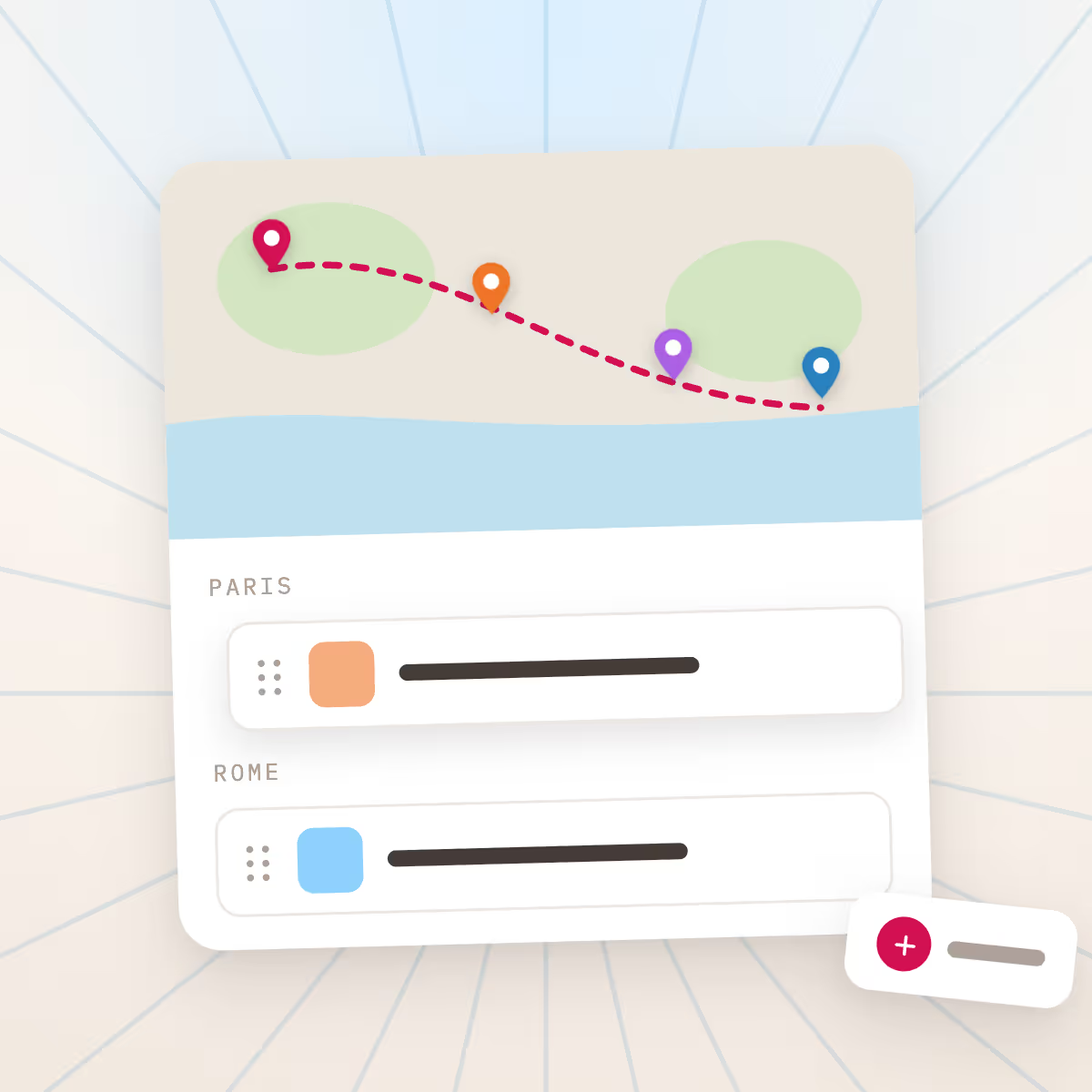
Customizable map pins and routesYesSee your whole trip on a map, set your own pins, and map routes between stops; TripMapper does notNo
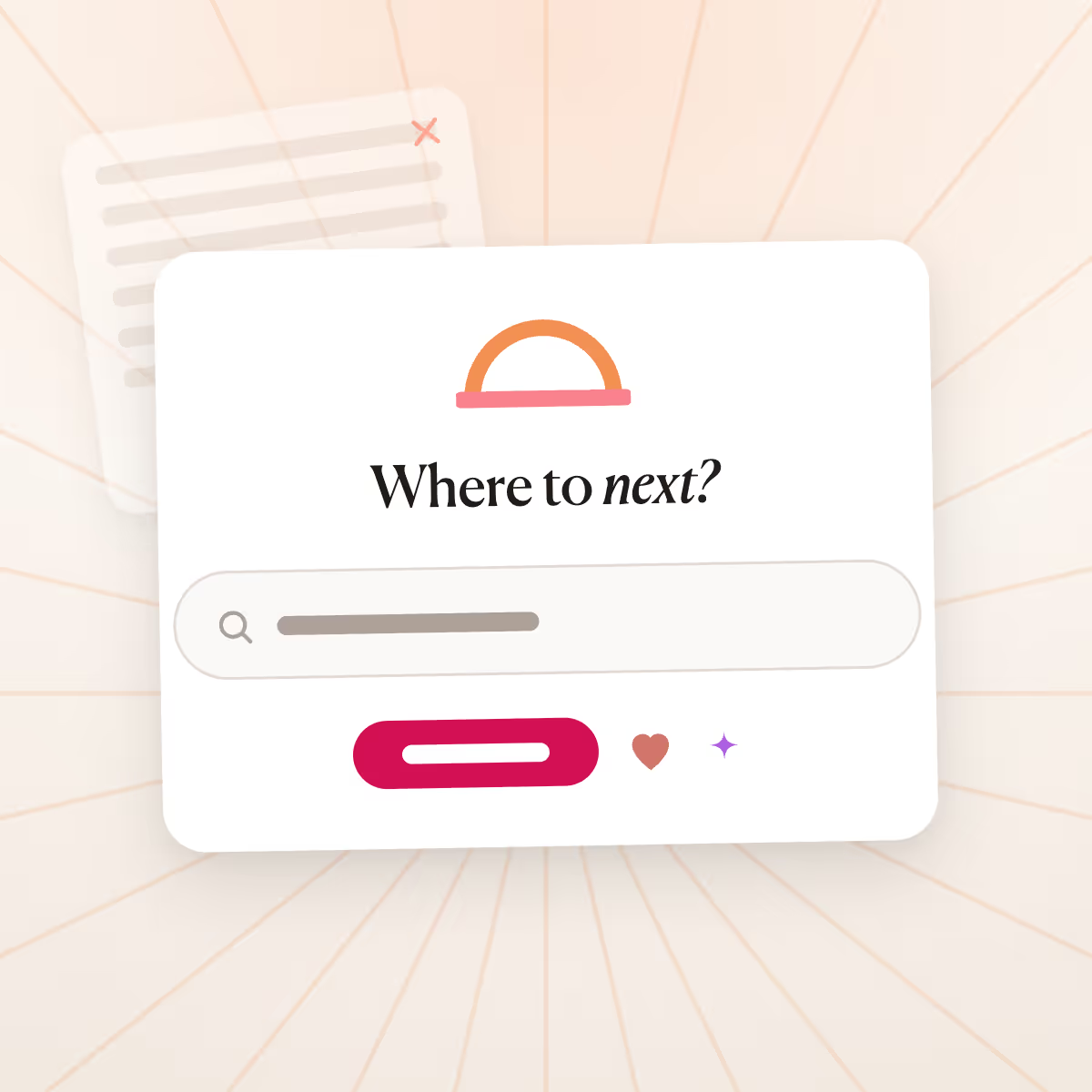
AI itinerary generatorYesBuild a first draft in minutes with AI, then make it yours; TripMapper has no AI itinerary generatorNo
Dedicated group chat per tripYesTalk it through right inside the trip, so decisions live with the plan instead of in a separate threadNo
Pilot leads in all 4 shown7 more in the full comparison

Rated by 50,000+ travelers

  • 4.7
  • 4.8
  • 4.2
  • 4.4

As featured in

  • TechCrunch
  • WIRED
  • Washington Post
  • Forbes
  • Yahoo Finance
  • Morningstar
  • Vancouver Tech Journal

How does Pilot compare to TripMapper?

Both are flexible trip planners. Pilot keeps the basics free where TripMapper gates them behind its paid Trip+ plan, and lets you book your stays at private hotel rates instead of leaving you to book on other sites.

Feature comparison of Pilot and TripMapper by category
FeaturePilotTripMapper
Planning and collaboration
Customizable map pins and routesYesSee your whole trip on a map, set your own pins, and map routes between stops; TripMapper does notNo
AI itinerary generatorYesBuild a first draft in minutes with AI, then make it yours; TripMapper has no AI itinerary generatorNo
Dedicated group chat per tripYesTalk it through right inside the trip, so decisions live with the plan instead of in a separate threadNo
Itinerary builderYesFlexible by design: map out every idea and reshape the plan however you want, from a rough idea to bookedYes
Drag and drop reorderingYesDrag anything anywhere; nothing is locked into a fixed structureYes
Notes and checklistsYesKeep notes, lists, and links right alongside the plan, and toggle between note and list formatsYes
Real-time collaborative editingYesInvite everyone and plan together in one shared trip; free in Pilot, while TripMapper keeps inviting travelers behind Trip+Yes
Offline access on mobileYesFree in Pilot; TripMapper keeps offline access behind its paid Trip+ planYes
Export to PDFYesSave and share your whole trip as a PDF you can use offlineYes
Booking and savings
Book hotels in the appYesBook your stay in the app; TripMapper plans and tracks budgets but leaves you to book hotels on other sitesNo
Member-only hotel ratesYesPrivate deals straight from hotels, the kind usually saved for travel agents, across 3,000,000+ staysNo

Why use Pilot over TripMapper

  • Reason #1

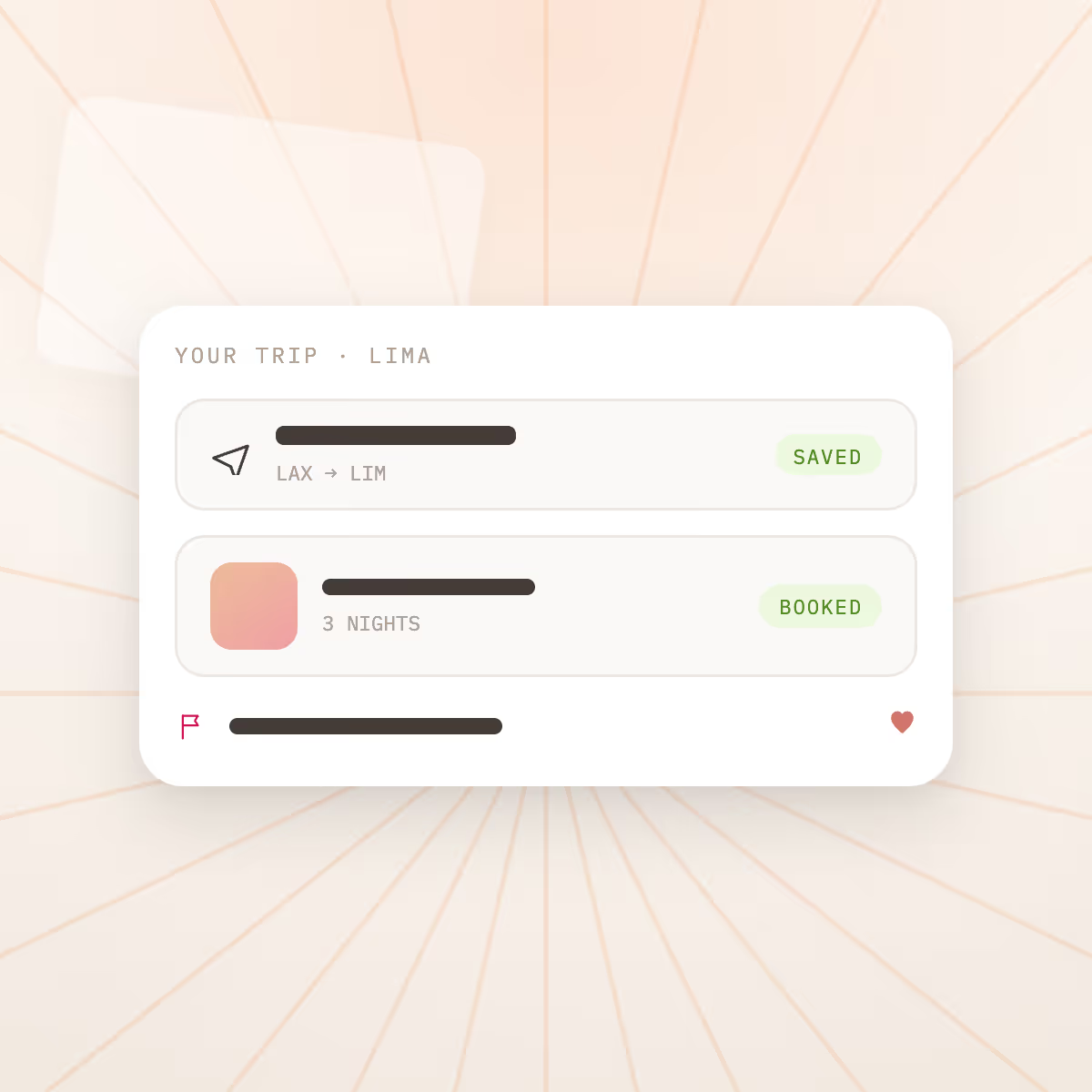
    Book it, and save, without leaving the app

    With Pilot you book your stays right in the app, at private rates straight from hotels, the kind usually reserved for travel agents, across more than 3,000,000 stays, so you get better rates. TripMapper shows you options but sends you to another site to book.

    Learn more →
    Book it, and save, without leaving the app
  • Reason #2

    Flexible by design

    Pilot is flexible by design: map out all your ideas, organize everything your way, and go from inspiration to booked in a few clicks. Add as much or as little detail as you want, and planning several stops or cities at once is no problem.

    Learn more →
    Flexible by design
  • Reason #3

    Plan, save, and book in one place

    Plan, save, and book in one place. Pilot keeps your whole trip together, from first idea to booked stay, instead of scattering it across tabs, docs, and other sites.

    Learn more →
    Plan, save, and book in one place
  • Reason #4

    Simple and fun, never overwhelming

    Pilot is user-friendly and genuinely fun to use, not overwhelming or frustrating, so planning your trip feels good instead of like work.

    Learn more →
    Simple and fun, never overwhelming
  • Reason #5

    Completely free, not pay-to-unlock

    Pilot is completely free, with no paywall on the basics. TripMapper gates even basic features behind its paid plan. Because people can book through Pilot, we earn from hotels, so we never have to charge you to plan.

    Learn more →
    Completely free, not pay-to-unlock

What do users say about Pilot (vs. TripMapper)?

TripMapper's iOS app rates around 4.7. It is worth knowing what those reviews are rating: a planner that does not book your stays, and that keeps basics like offline access and inviting travelers behind its paid Trip+ plan. Pilot is rated 4.7 by 50,000+ travelers, keeps those basics free, and lets you book your hotel in the app.

⭐⭐⭐⭐⭐
Nice consolidation tool for travel plan, tickets, etc. Me and my daughter can share a travel plan, and add the whole itinerary, with pre-booked tickets, daily excursion plans, etc. It makes organisation of the trip incredibly easy and all information between travelers are shared
⭐⭐⭐⭐⭐
Went to Amsterdam for the first time. Loved having all the trip details located in one spot on my phone - maps, hotel, air, event tickets. I was able to to go the app and all the QR codes were right there. Also being able to share the app so we could each put in details was a great feature.
⭐⭐⭐⭐⭐
His support was wonderful. Went extra mile to support us and getting us accommodated with the hotel. Really appreciate it. 5 stars service !!
⭐⭐⭐⭐⭐
trustpilot logo
The Pilot Customer team is great. We had a minor issue with the hotel, and the Pilot team went above and beyond to make sure we were taken care of well.
⭐⭐⭐⭐⭐
trustpilot logo
First Pilot App Trip Used the Pilot app for a trip to Amsterdam and it was a great tool! We had our full itinerary with websites, tickets, hotel and air schedules. It was shareable so we could collaborate while planning. It's also printable in case of phone issues. The map function was great in planning to help us decide what to do each day and what area we would be in. Will definitely be using it again for future trips.
⭐⭐⭐⭐⭐
How disappointed would you be if you could no longer use Pilot?: Very Disappointed. What is the main benefit you get from Pilot?: Centralised planning for family
⭐⭐⭐⭐⭐
I travel regularly for both work and for fun, and Pilot really helps me stay organised, ensures I don't miss anything and gives me a constant point of reference to come back to for the various details required both before and during travel. When I'm travelling with friends, being able to invite them into the trip and see all of the details that I would normally have to send to them in a god send! Apart from the practical side, the visual experience is very nice and adds a great touch to trip planning.
⭐⭐⭐⭐⭐
trustpilot logo
Great way to keep your trip organized! Helpful planning tools and easy to use!
⭐⭐⭐⭐⭐
ios logo
AI trip planner & flight deals Like notion and Google ads, perfect for planing your trip and being assisted by AI for amazing recommendations

Should you choose Pilot or TripMapper?

Choose Pilot if

  • You want a free, flexible planner that's simple to use
  • You want offline access and group invites without paying for Trip+
  • You want to book your stay at private hotel rates in the app, not on other sites
  • You want your whole trip, the plan and the booking, in one place

Choose TripMapper if

  • You want a built-in trip budget tracker with real-time currency conversion as the centerpiece, which Pilot doesn't have.
  • You're a tour operator or agency that needs TripMapper's B2B client tools.

Still deciding?

Plan a trip in Pilot for free and see how it compares for yourself.

What Pilot can do that TripMapper can't

  • Book your stay at private rates straight from hotels, the kind usually saved for travel agents
  • Choose from more than 3,000,000 stays to book
  • Book without leaving your trip, so the plan and the booking stay together
  • Generate a first-draft itinerary in minutes with AI, then make it yours

Common questions about Pilot vs. TripMapper

What is TripMapper?

TripMapper is a visual trip planner app. People use it to build a visual, map-based itinerary. It helps you organize an itinerary, but you book your stays on other sites, and some features sit behind a paid plan.

What is Pilot?

Pilot is a trip booking and planning app. You plan the whole trip in one place, a flexible itinerary, a map of your stops, and notes, and you book your hotel in the app at private rates straight from hotels, the kind usually reserved for travel agents. Where TripMapper organizes a trip you book elsewhere, Pilot keeps the planning free and lets you book your stay without leaving the plan.

Is TripMapper legit?

Yes, TripMapper is a real travel planning app, available on the web, iOS, and Android, with an iOS rating around 4.7. It is a planning and budgeting tool: you build a visual itinerary in card or list view, plot places on a map, and track your spending with real-time currency conversion. It is worth being clear about what it is and isn't, though. TripMapper helps you plan your trip but does not book your hotels, and it keeps a number of basics, including offline access, the map view, and inviting fellow travelers, behind its paid Trip+ plan. Pilot is a free alternative that covers the same flexible planning and collaboration, keeps those basics free, and also lets you book your stay in the app at private rates straight from hotels.

Is TripMapper free?

TripMapper has a free tier that covers basics like card and list itinerary views, scheduling activities with start and end times, and managing tasks with due dates. Several features sit behind its paid Trip+ plan, which is about GBP3.99 a month (with two months free if you pay annually): offline access, the interactive map view, inviting fellow travelers to collaborate, budgeting with real-time currency conversion, notifications, and file attachments. Pilot is completely free, with no paywall on the basics, including offline access, collaboration, and the map, and it adds in-app hotel booking that TripMapper does not have, so you get more without paying to unlock it.

Is TripMapper worth it?

It depends on what you want. If you want a planner with a built-in budget tracker and you're happy to pay for Trip+ to unlock features like offline access, the map view, and inviting travelers, TripMapper covers that. But before paying, it's worth knowing Pilot gives you those basics for free and adds two things TripMapper can't: an AI itinerary generator that builds a first draft in minutes, and in-app hotel booking at private rates straight from hotels, across more than 3,000,000 stays. So you can plan and book in one place instead of planning in one app and booking your hotels on separate sites.

Can you book hotels in TripMapper?

No. TripMapper is a planning and budgeting tool, so you can add a hotel to your itinerary and track its cost, but you book the hotel yourself on other sites. Pilot lets you book over 3,000,000 hotels right in the app, with private deals straight from hotels, the kind usually reserved for travel agents, so the booking lives with the rest of your trip instead of on a separate site. That's the main practical difference: TripMapper organizes the trip, while Pilot organizes it and lets you book your stay too.

How does TripMapper make money?

TripMapper earns from its Trip+ subscription, about GBP3.99 a month, and it runs a separate B2B product, TripMapper for Business, with its own paid tiers for tour operators and travel agencies. Pilot is free for travelers because it earns from hotels when you book through the app, not from charging you to plan, which is why the whole planner, including offline access and collaboration, stays free with no paywall on the basics.

How does TripMapper work?

With TripMapper you create a trip, add days and activities in a card or list view, plot places on a map, attach tickets and confirmations, and track your budget with real-time currency conversion. You can invite others to collaborate and view your trip offline on the paid Trip+ plan. It does not book your hotels, so you arrange and book stays elsewhere. Pilot works similarly for planning, a flexible drag-and-drop itinerary, a map of everywhere you're going, notes, checklists, and real-time collaboration, but it keeps those basics free, adds an AI itinerary generator, and lets you book your hotel in the app at private rates, so the plan and the booking stay in one place.

TripMapper vs Pilot: which should I use?

Use Pilot if you want a free, flexible planner that's simple to use, keeps your whole trip in one place, and also lets you book your stays at private hotel rates in the app, all without a paywall on the basics. TripMapper fits a narrower case: you specifically want a built-in budget tracker as the centerpiece and don't mind paying for Trip+ to unlock basics like offline access and inviting travelers, and you're fine booking every hotel yourself on separate sites. For most travelers who want to plan and book in one place for free, Pilot is the stronger fit.

Plan your next trip with Pilot

Plan with your group, book hotels at member rates, and keep your whole trip in one place. Completely free.

Last updated: 
June 5, 2026